Start Mining Bitcoin Cash (BCH) and DigiByte (DGB) to Your Own Solo Node: The Ultimate Home Solo Mining Guide
Hey miners and crypto enthusiasts! If you’ve ever thought about maximizing your home solo mining game—and maybe bagging those elusive blocks for yourself—this guide is for you. Today, we’re diving deep into the world of home mining, node operation, and the latest game-changing tools, including launching your very own mining pools for coins like Bitcoin, Bitcoin Cash, and Digibyte.
Whether you’re rocking a BitAxe, NerdQAxe, or any other SHA256 compatible rigs, I’ll show you how to boost your odds (and fun!) with easy-to-follow steps, screenshots, and pro tips from my own experience. So grab a snack and settle in: this is a monster, step-by-step walkthrough you won’t want to miss!
For more on this topic, check out this detailed video: Start Mining BCH and DGB to your own Solo Node!
Table of Contents
- Home Solo Mining: Getting Started
- Why Mine BCH and DGB?
- Home Mining Hardware Picks
- Parts and Upgrades for Home Miners
- Running Your Own Node and Pool: Umbrel OS Explained
- Setting Up Mineshop EU’s Axe Apps
- Step-By-Step: Launch Your BCH and DGB Node and Pool
- Device Management and Benchmarking with Axe Bench
- Monitoring, Simulators, and Advanced Controls
- Troubleshooting and Pro Tips
- Final Thoughts & Next Steps
- Links & Resources
Home Solo Mining: Getting Started

If you’ve landed here, odds are you already have some SHA256 miners humming away at home. Maybe you’ve heard that mining Bitcoin solo is really, really hard these days. That’s totally true—but what if I told you:
“You can mine other altcoins on the SHA256 algorithm, like Bitcoin Cash or DigiByte, and your probability of hitting a block is significantly higher!” The Hobbyist Miner
Yup, it’s not just Bitcoin! With the right pool and setup, those same devices can chase blocks on BCH and DGB. Plus, running your own node at home gives you more control and might help you catch that block just a bit quicker.
Looking to purchase your first home crypto miner, it can be overwhelming, let me help! Checkout this video to help answer your questions.
Ready to level-up? Let’s walk through how it works, why you should care, and everything you need to get started—right from your living room.
Why Mine BCH and DGB?
Home solo mining Bitcoin is tough. The difficulty is sky-high and blocks are rare unless you have industrial-level power. Enter BCH and DGB:
- Lower difficulty: More blocks go to “the little guy”.
- SHA-256 compatibility: The same hardware can be pointed at these pools.
- More frequent wins: If you get lucky on Bitcoin you’re set, but your odds with BCH or DGB are a LOT better.
Rather than constantly feeding massive pool operators, why not flip the script and run your very own pool—solo style? It adds a level of satisfaction, decentralizes the network, and gives you total control over your mining destiny.
Home Mining Hardware Picks
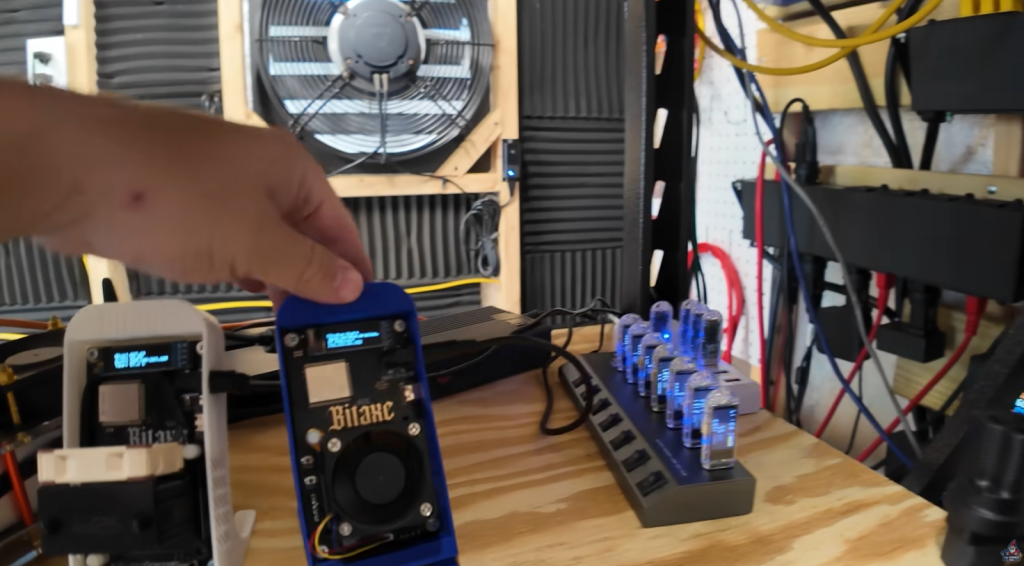
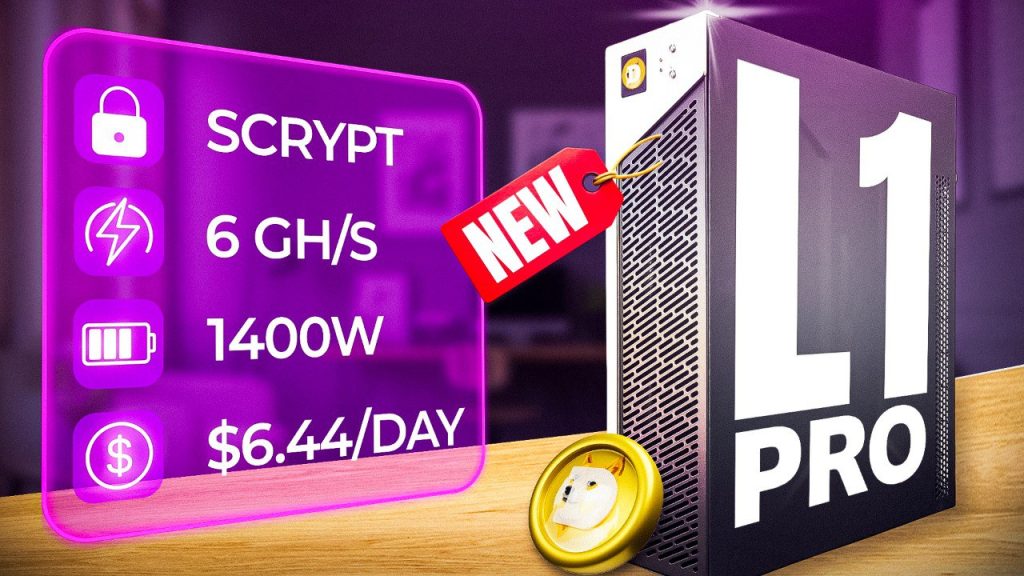
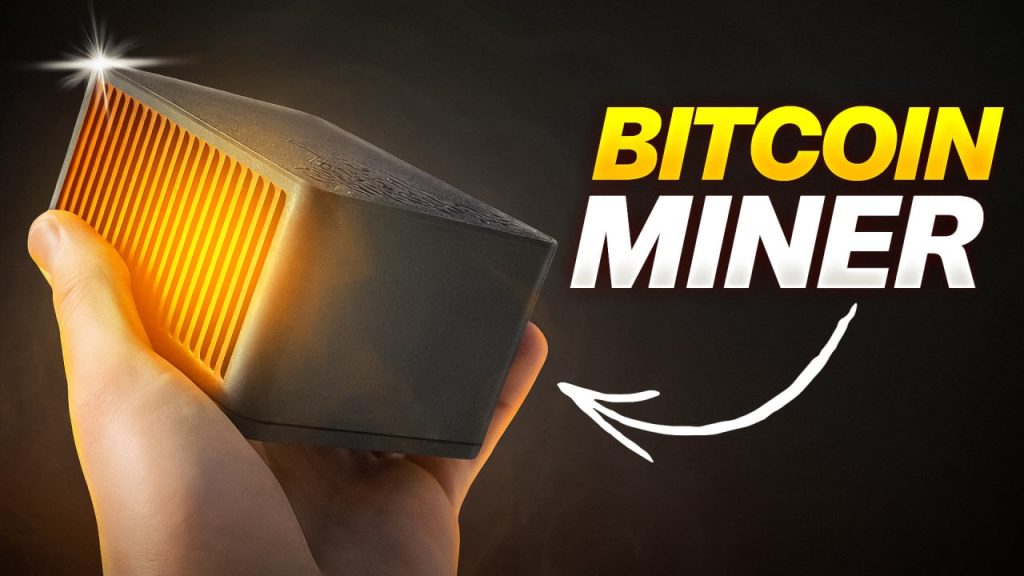
If you’re thinking of beefing up your mining arsenal, here are some HOT picks I personally recommend:
Favorite Models:
- BitAxe Gamma 601
- Canaan Avalon Nano 3S
- Caanan Avalon Q (brilliant for both mining and as a heater in cooler months!)
New Arrivals Worth Watching for:
Running Your Own Node and Pool: Umbrel OS Explained

Running your own node and pool at home delivers tons of benefits:
- Lower latency: Direct connection = less lag between your miner and your pool.
- Decentralization: You’re helping keep the Bitcoin network robust and less reliant on huge centralized pools.
- Full control: Manage payouts, monitor stats, and avoid third-party headaches.
How I Run Mine:
I use a mini HP PC with a 2TB drive to run both the pool and node, powered by Umbrel OS (free, based on Ubuntu/Linux).
And… you don’t need to be a hardcore coder! Umbrel makes it super easy—15 minutes and you’re live with their step-by-step onboarding. Prefer a written walkthrough?
I’ve got a full written guide and video to help!
Mineshop EU’s Axe Apps: A Game Changer
Recently,Mineshop EU dropped a real bombshell:
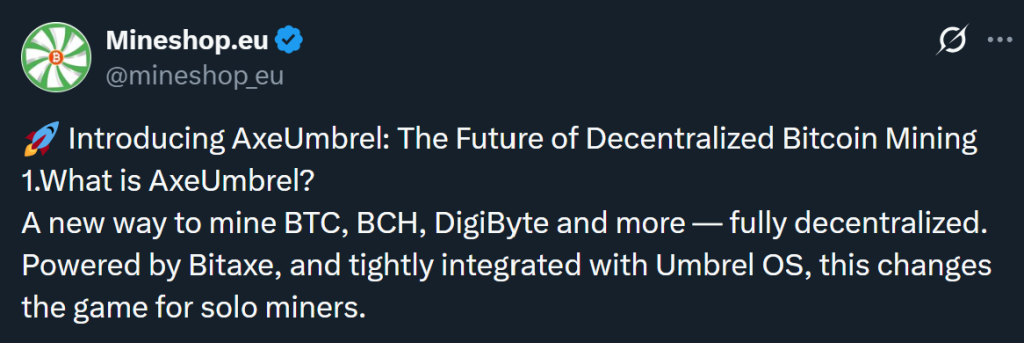
Here’s what got me excited:
- Run your OWN mining stack: Monitor, optimize, and control your fleet, locally.
- Real-time BitAxe monitoring and dashboards
- Full nodes and pools for BTC, BCH, and DGB
- Easy install with Umbrel Community Store, or standalone apps for Windows/Linux
One dashboard to rule them all:
“No more SSH headaches. Just a clean interface, live stats, and full control from your PC or Umbrel node.” – The Hobbyist Miner
Setting Up Mineshop EU’s Axe Apps
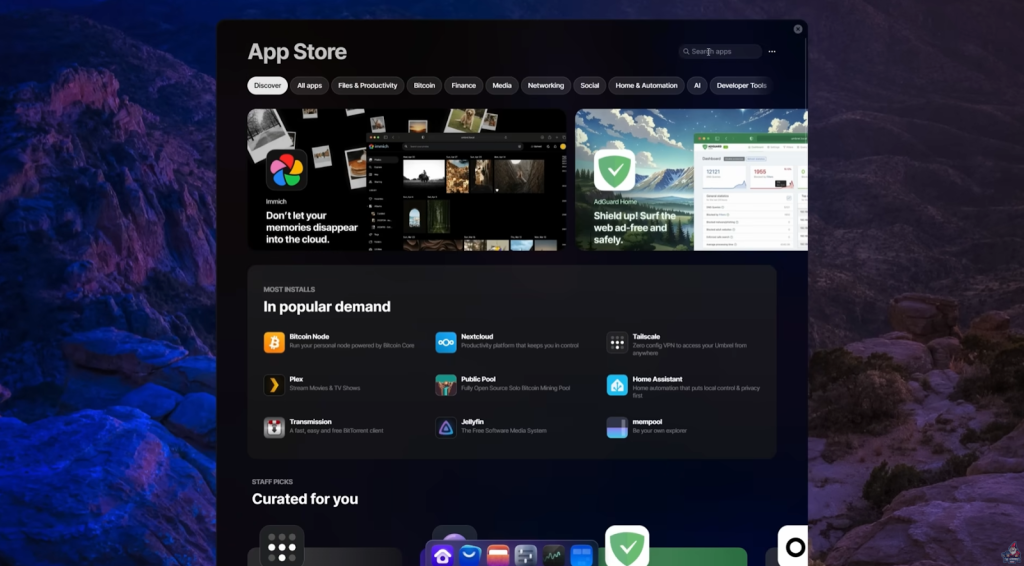
Let’s get hands-on! If you’re familiar with Umbrel, you know how easy it is to add apps. For Mineshop EU’s Axe suite, here’s what you need to do:
- Open Umbrel’s App Store
- Add ‘Community App Store’: Click the dots in Umbrel, select ‘Community App Stores’, then paste in the GitHub URL
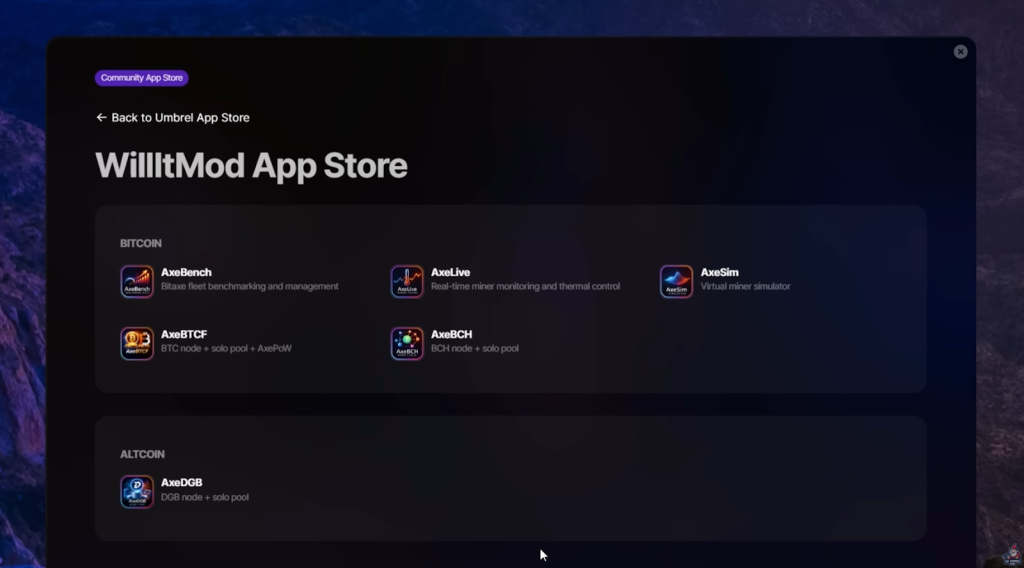
- Install the following Axe apps:
- Axe Bench (benchmark/manage miners)
- Axe Live (real-time monitoring)
- AX Sim (simulate performance/overclock)
- Axe BTC (bitcoin node & pool)
- Axe BCH (bitcoin cash node & pool)
- Axe DGB (digibyte node & pool)
Step-By-Step: Launch Your BCH and DGB Node and Pool
Let’s run you through setting up a BCH node and solo pool—you can repeat for DGB or BTC later.
Syncing Your Node
First, get your node synced. It’ll take a while (especially if you try multiple coins at once!).
- Tip: Don’t sync Bitcoin, BCH, and DGB all together unless you have a monster PC; sync one at a time.
Once synced, you’ll see a screen with zero workers, zero hash rate—but your node is LIVE! Watch a full step by step video guide here.
Configure Your Pool
- Head to the ‘Pool’ tab in your Axe BCH app
- Here’s the info you need for your miner:
- Stratum URL/port (shown on pool tab)
- BCH payout address
How to Set It:
- Paste in your BCH address in the settings tab.
- Save pool settings.
- Return to pool tab—payout address should show up.
- It’s always good to right click the app in Umbrel OS and restart it, after making any major setting changes.
Don’t forget:
If the payout address format looks weird (like “bitcoin cash: [address]”), the app converts it to legacy format behind the scenes. So you’re safe!
Connect Your Miner
On your miner (say, a NerdQAxe), update the configuration:
- Point it to the local stratum URL/port from the pool tab
- Enter payout address
- Save settings (and restart your miner)
If your a bit confused, no worries, this video walks you through this process step by step.
“Note to self: don’t try to sync three different nodes at once. It takes forever.” – The Hobbyist Miner
Troubleshooting and Pro Tips
It wouldn’t be mining without quirky bugs or gotchas. Here’s what to watch for:
Node Syncing
- Sync 1 coin at a time (trust me)
- Be patient. BCH is quickest, BTC and DGB take longer.
Pool Setup
- If payout address looks off, check settings—legacy conversion is normal.
- Always restart the Axe app after major changes.
Miner Configuration
- Double check stratum URL and port match those shown by the app
- Restart miner after updating config
App Management
- In Umbrel, right-click the app > Restart after config changes
- Use support ticketing if stuck
Final Thoughts & Next Steps
Home solo mining is more accessible now than ever. With Umbrel OS and the Mineshop EU Axe suite:
- Decentralize your hashing power
- Maximize solo block chances on BCH & DGB
- Run full nodes and pools right from your living room
- Monitor, optimize, and control every aspect of your fleet
The tools are getting slicker, faster, and more user-friendly. Even if you’re brand new, you can be up and running in 15 minutes!
Ready to take control of your mining destiny? Plug in, power up, and get mining. If you hit a block, let me know—I want to celebrate with you!
Links & Resources
- Setup a Node from Home with an Old Computer
- Buy a PreBuilt Home Node meant for Plug and Play
- Mineshop.Eu Twitter post announcing the AxeSuite
See You Next Time!
Got questions? Join The Hobbyist Miner Comunity Discord for great fellow crypto miner conversation, community help and more! Join entirely free here!